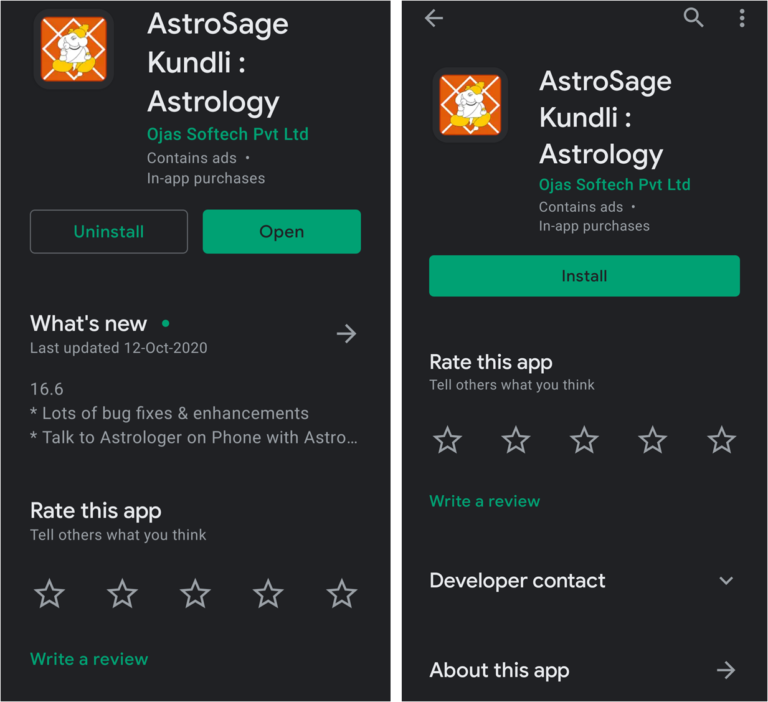
In vedic astrology Rashi is the sign where the moon in your natal chart is placed. In case you do not have a horoscope, You can use the AstroSage app or any other mobile application to cast your Horoscope. As an example I will take you step by step as we find the rashi or moon sign using the AstroSage application by casting a sample horoscope.
Step 1:
Step 2:
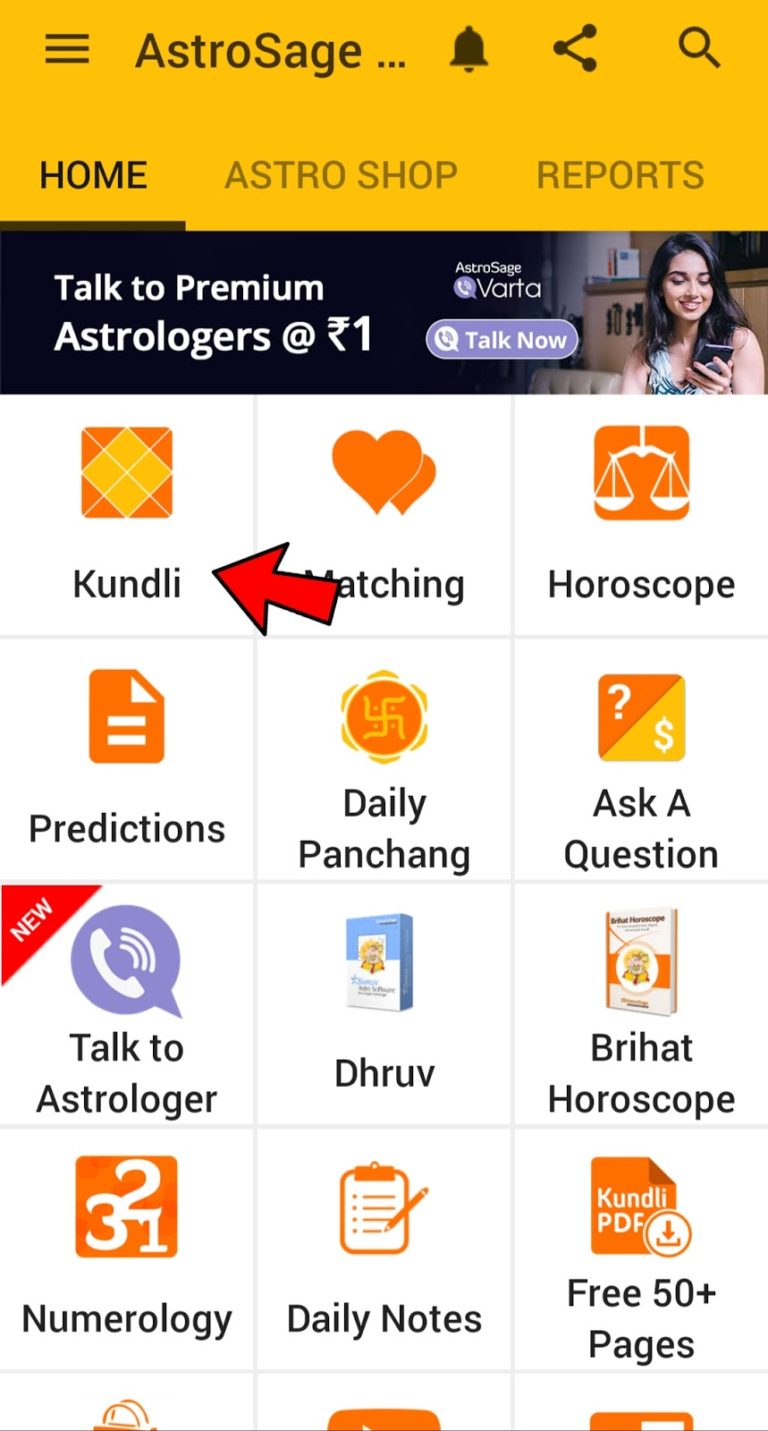
After sign up you will see the home screen where in towards the top left side you can see the Kundli option. Tap on the option and it will open the the new Kundli page as shown below.
Step 3:
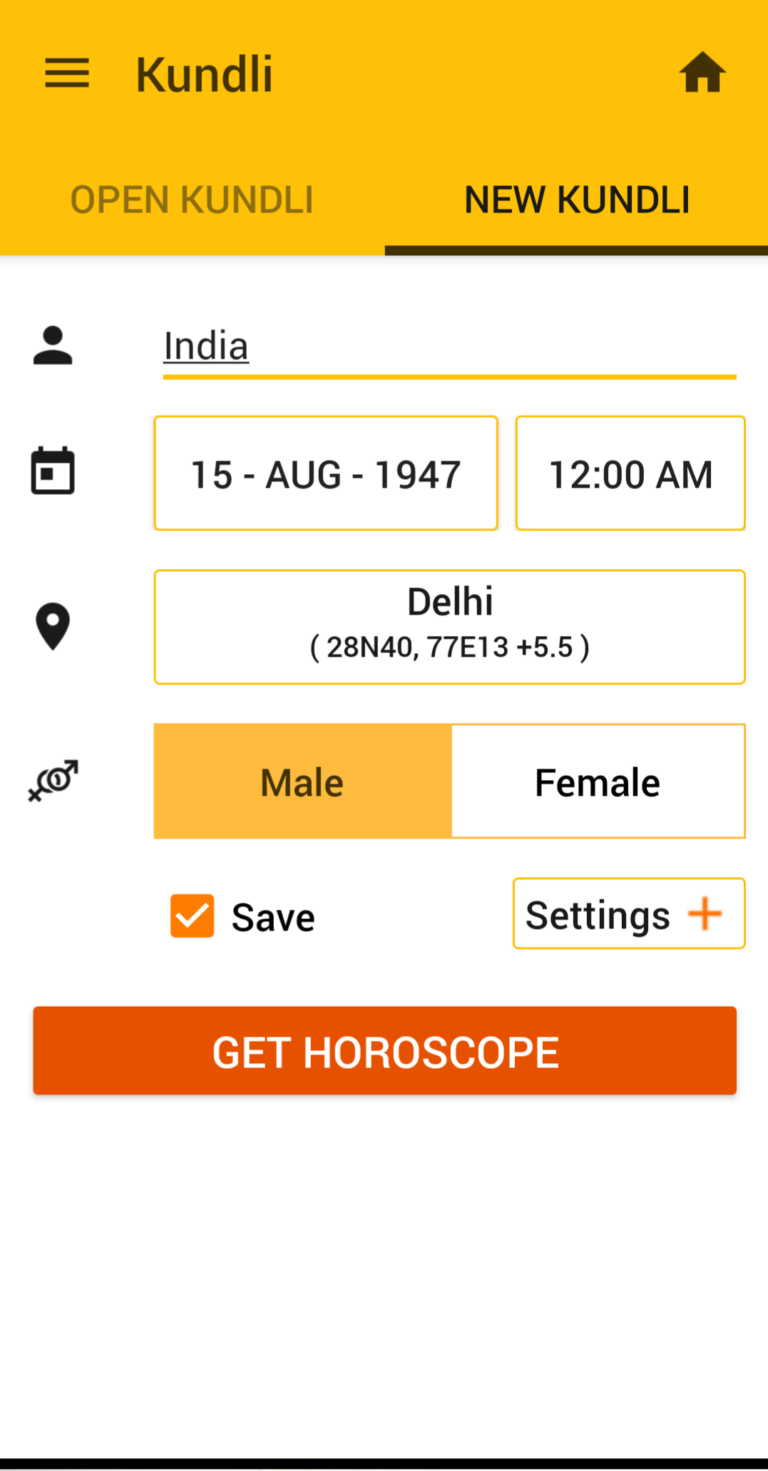
Please input your name, date of birth, place of birth, time of birth and tap the get horoscope button.
Step 4:
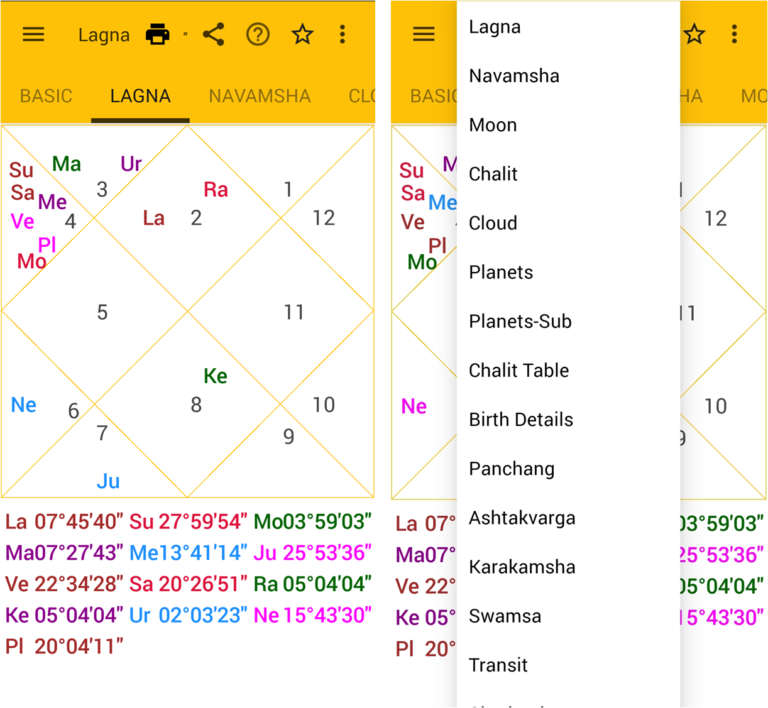
Now you can see the lagna chart on your mobile, tap on Lagna next to the three horizontal lines on the top left, select the planets option from the drop down menu.
Step 5:
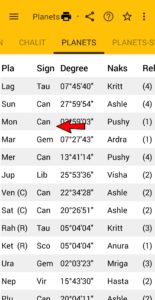
Now in the table below you can see the sign and Nakshatra in which each planet is placed for the purpose of identifying Rashi we shall take into consideration the sign in which the moon is placed.
As we can see in this horoscope Moon is placed in Cancer sign. Hence we can say that the Rashi or Janam Rashi or Chandra rashi is Cancer.